Challenge coins
Big, readable, streamer-logo energy. Horizontal or stacked. Left, center, or right.
Overlay Studio
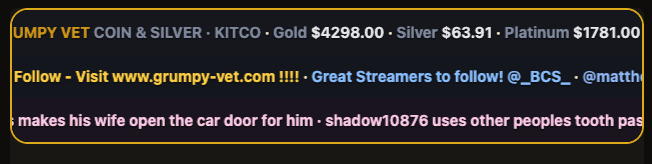
Coins or pills. Heat. Sold ticker. Metals, follow line, wall of shame. Fill, font, border, and art — so the overlay matches the room, not a green screen demo.
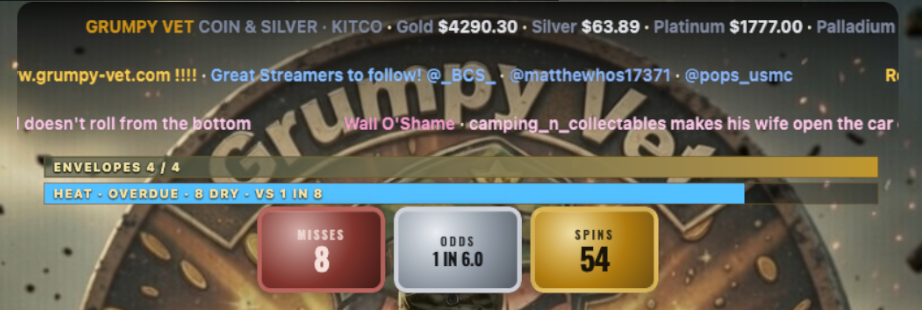
One Browser Source. HUD + banners sit on your camera — transparent where you want the stream to show.
Scoreboard
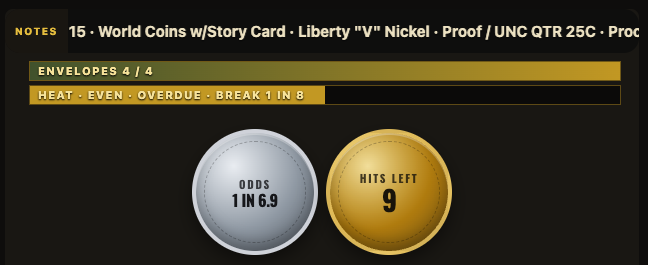
Hits, misses, odds, hits left, spins — pick which coins show and the order. Miss only appears after a streak you set. Envelope bar and heat sit above.
Big, readable, streamer-logo energy. Horizontal or stacked. Left, center, or right.
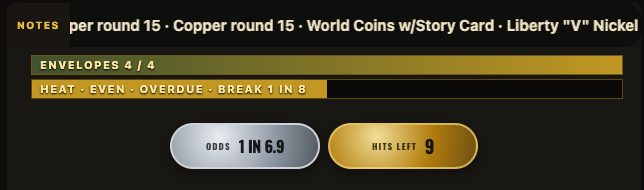
Same data, smaller footprint. Stickers if you want a third look. Or turn the HUD off and run banners only.
Heat
Dry streak vs your starting odds — getting due, due, overdue, overdue ×2. Miss sticker can wait until you say so.
Flip to heat when the wheel is paying early. Heating up, hot, on fire. New break resets the book.
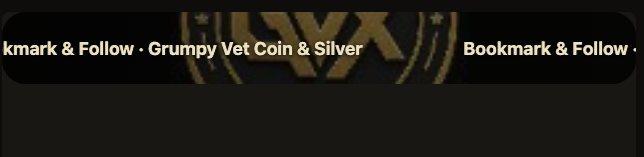
The strip
One banner or two rails. Square or round. Thin gold, fat orange, neon fill. Text dark on yellow so it still reads. Drop a PNG behind it.



Extra rows
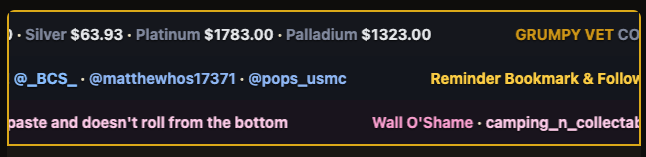
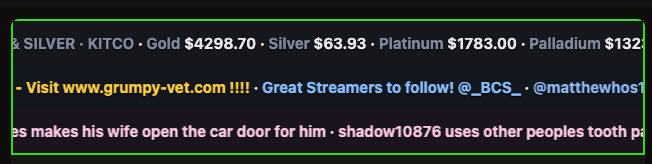
Each row its own colors. One border around the stack — square, slight round, or pill ends. They sit together so it looks like a lower-third, not three widgets fighting.
On show night
01
OBS Custom Browser Dock → banners.grumpy-vet.com/desk. Tonight’s kit first, then tweak.
02
Copy the overlay URL from the desk. 1920×1080. Transparent. Don’t capture the dock.
03
Hit+ / Miss+ on the dock, or feed Surprise Set so hits left, spins, and odds move themselves.
Also in the desk
Surprise set, item in hand, auction, or brand-only. Preset, then override.
Strip on the top of the frame or the bottom. HUD stays with it.
Nothing is forced. Upload, pin it on the strip, or leave it off.
Clear the strip and the stream shows through. Extras keep their own fills.
In the suite with both trackers. Add Xpress if you want the printer.